 Brightstreet Group
IRIS Tables in dbt (Data Build Tool) with Python
Summary
A Quick start to include InterSystems IRIS Tables in Data Build Tool (dbt) using Python. It uses the sqlalchemy plugin with sqlalchemy-iris which enables the iris strategy for DuckDB as a source for a dbt project.
EDIT: If you stumbled here from Google for “iris dbt”, your best bet is to checkout dbt-iris for the native adapter implementation that follows dbt guidelines.
I’m out of town for the Python meetup in Cambridge, but will submit to the InterSystems Python Programming Contest 2023. This is my virtual hail to the event through the community.
Disclaimers
- I am unsure this solution is the best path to accomplish things, but it is a tested path.
- I am not a dbt expert, but use
dbt-corein CI/CD pipelines daily.
Props
Made possible by SQLAlchemy-iris by Dmitry Maslennikov and a follow-up post by Heloisa Paiva. Also, DuckDB is fun software—wicked fast, and essentially a data lake for your /tmp folder. Ducks are cool, Geese are not.
Setup
- Deploy IRIS Cloud SQL
- Python Environment
- GitHub Repository
- dbt Configuration
- Validate Setup
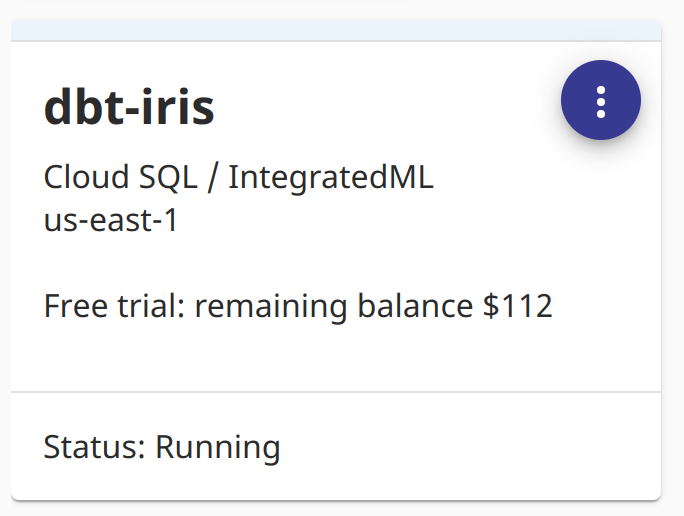
We used InterSystems IRIS Cloud SQL through the Early Access Program to demonstrate this. It provisioned fast, and avoiding local Docker makes for a happy brogrammer.
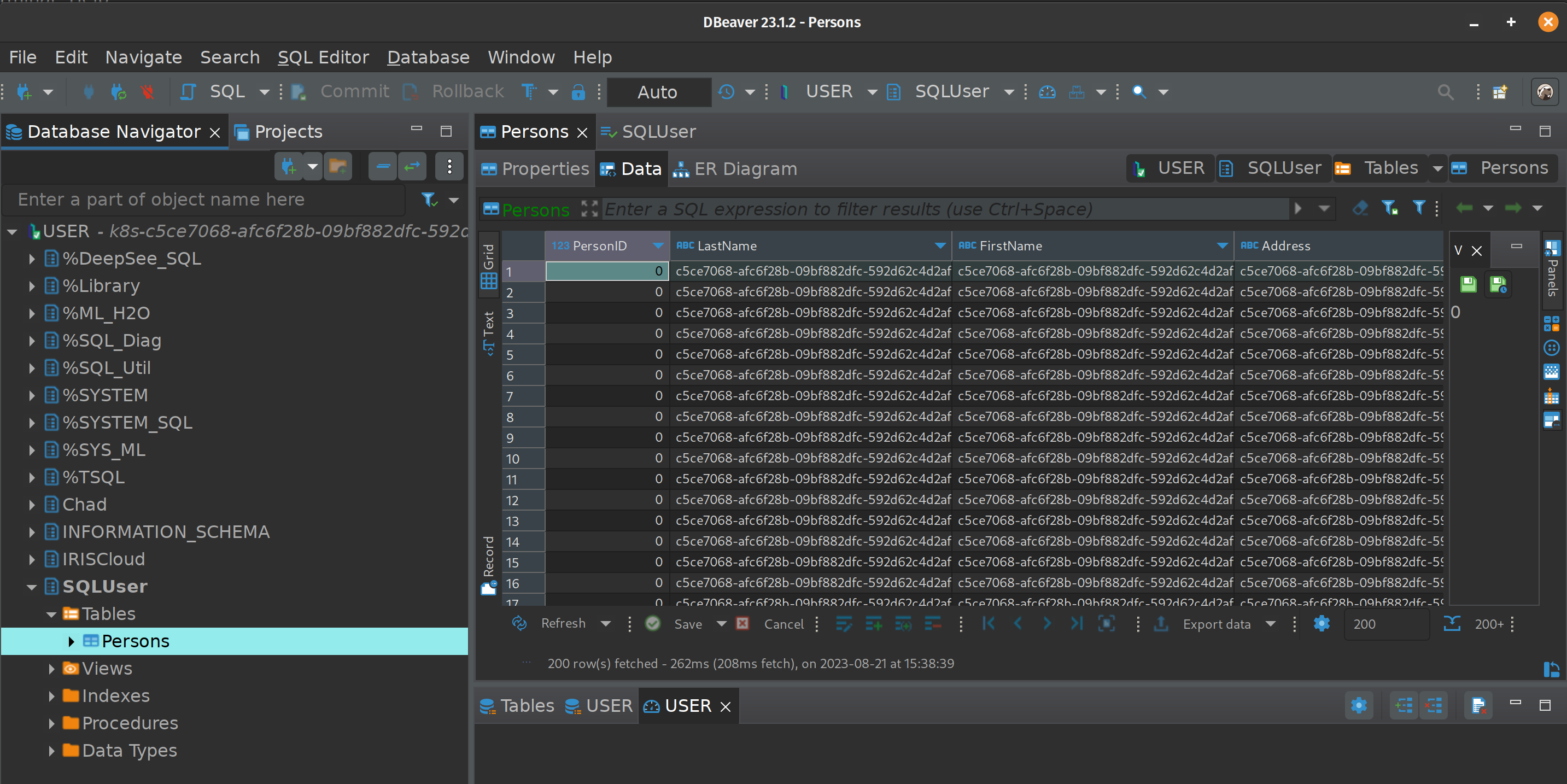
For the tables referenced below, I used DBeaver to create a Table Persons in the SQLUser schema and loaded it with data.
Python Environment
Install the necessary packages. I am running Python 3.8:
pip install dbt-core
pip install dbt-duckdb
pip install sqlalchemy-iris
dbt Configuration
Inside your project folder, initialize dbt:
dbt init iris_projectProfiles
Setup your profile in ~/.dbt/profiles.yml. Construct your SQLAlchemy URI from your IRIS Cloud SQL connectivity details:
dbt_iris_profile:
  target: dev
  outputs:
    dev:
      type: duckdb
      database: dbt
      schema: dev
      path: /tmp/dbt.duckdb
      plugins:
        - module: sqlalchemy
          alias: sql
          config:
            connection_url: "iris://SQLAdmin:MyPassword@k8s-dbt-iris-xxxx.elb.us-east-1.amazonaws.com:1972/USER"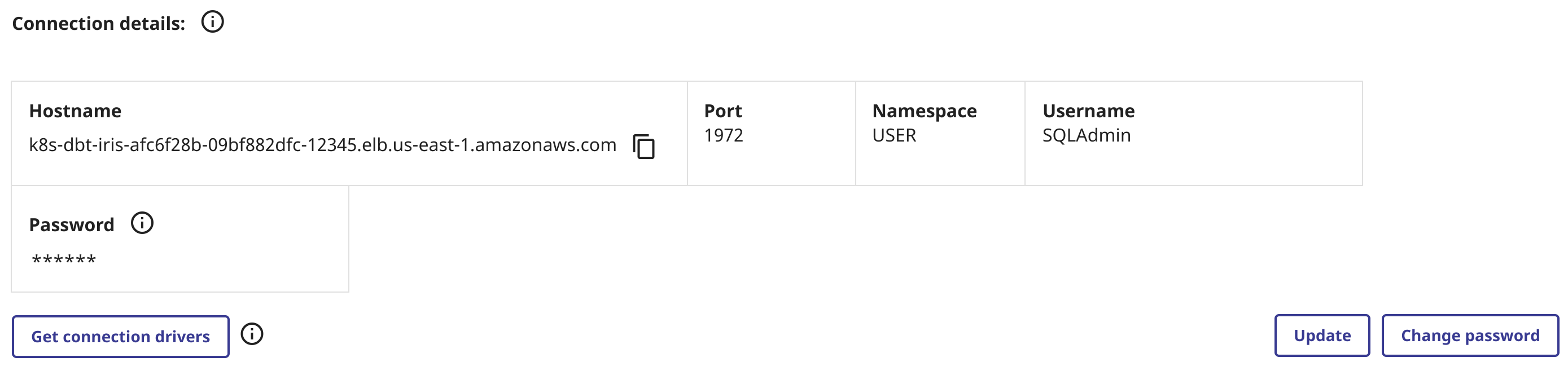
Project Configuration
Modify dbt_project.yml in the root of the project:
name: 'iris_project'
version: '1.0.0'
config-version: 2

profile: 'dbt_iris_profile'

model-paths: ["models"]
analysis-paths: ["analyses"]
test-paths: ["tests"]
seed-paths: ["seeds"]
macro-paths: ["macros"]
snapshot-paths: ["snapshots"]

clean-targets:
  - "target"
  - "dbt_packages"

models:
  iris_project:
    example:
      +materialized: view

vars:
  db_name: sql
Schema Declaration
Declare your models in models/schema.yml:
version: 2

models:
  - name: my_first_dbt_model
    description: "A starter dbt model"
    columns:
      - name: id
        description: "The primary key for this table"
        tests:
          - unique
          - not_null

sources:
  - name: dbt_iris_source
    database: dbt
    schema: SQLUser
    tables:
      - name: Persons
        identifier: Persons
        config:
          plugin: sql
          save_mode: overwrite
          query: "SELECT * FROM SQLUser.Persons"
Python Model
Create a Python model in models/Persons.py:
def model(dbt, session):
    dbt.config(materialized="table")
    persons_df = dbt.source("dbt_iris_source", "Persons")
    return persons_df
Execution & Validation
Now, test the connection to IRIS:
dbt debug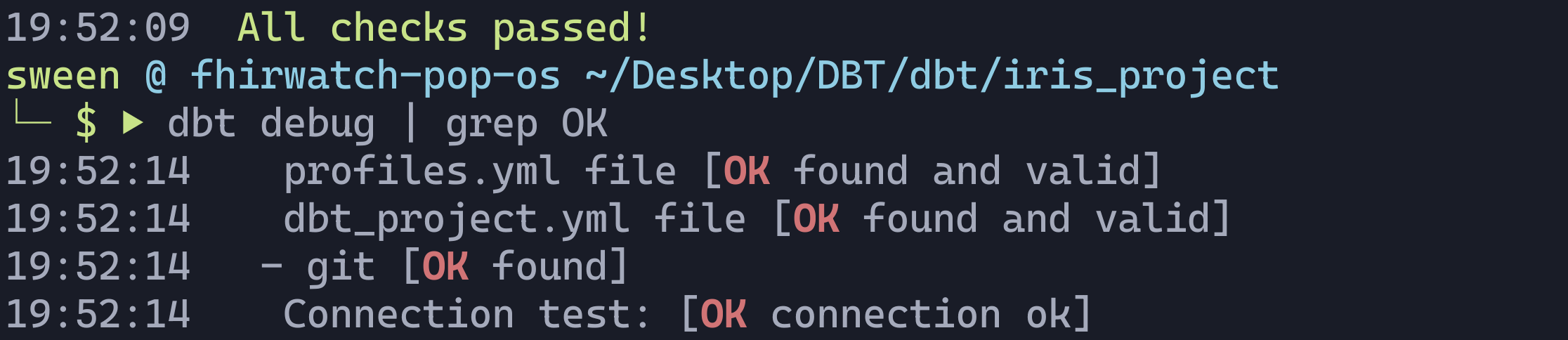
If all goes well, run the project:
dbt run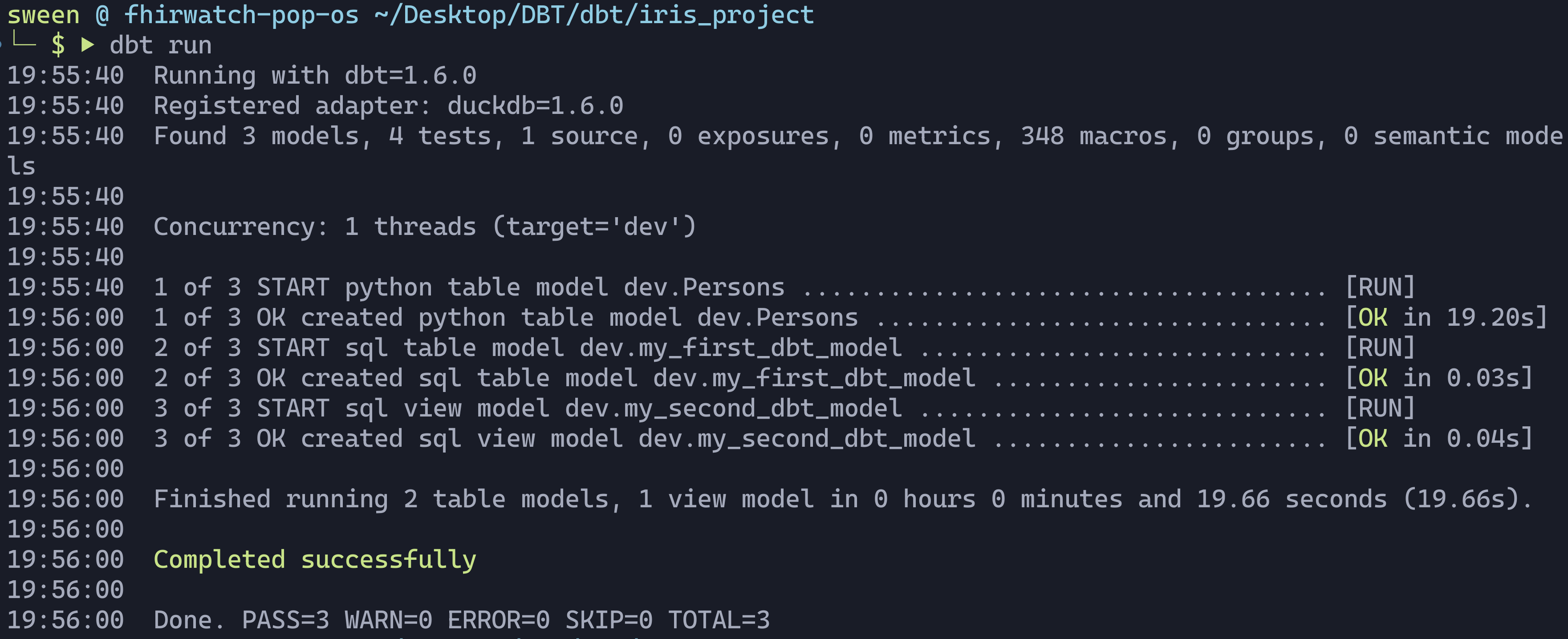
Generate the documentation to see the data lineage and schema:
dbt generate docs
dbt serve docs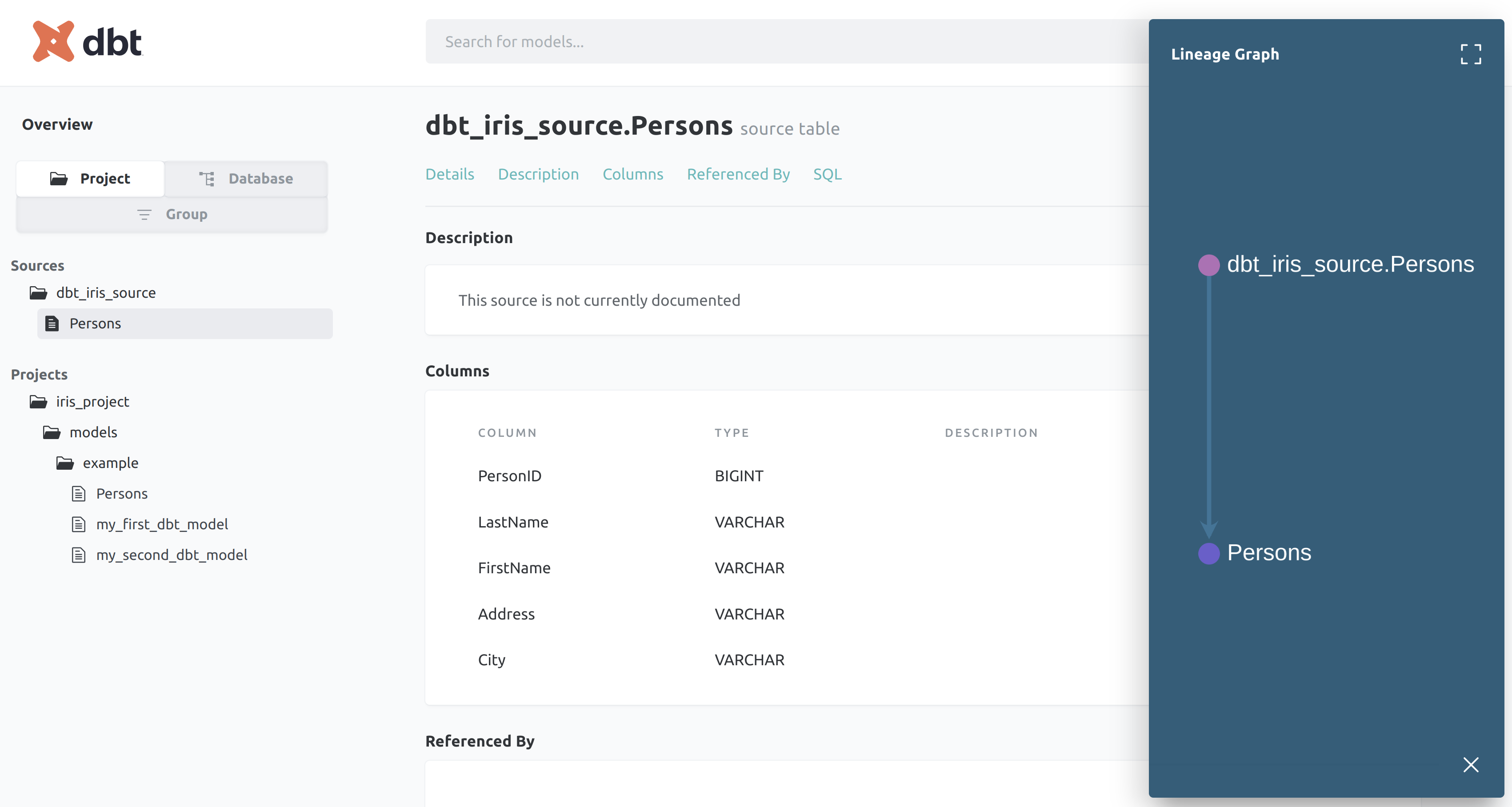
You can verify the data was pulled into the local DuckDB by querying it directly:
duckdb /tmp/dbt.duckdb "SELECT * FROM dev.Persons LIMIT 5"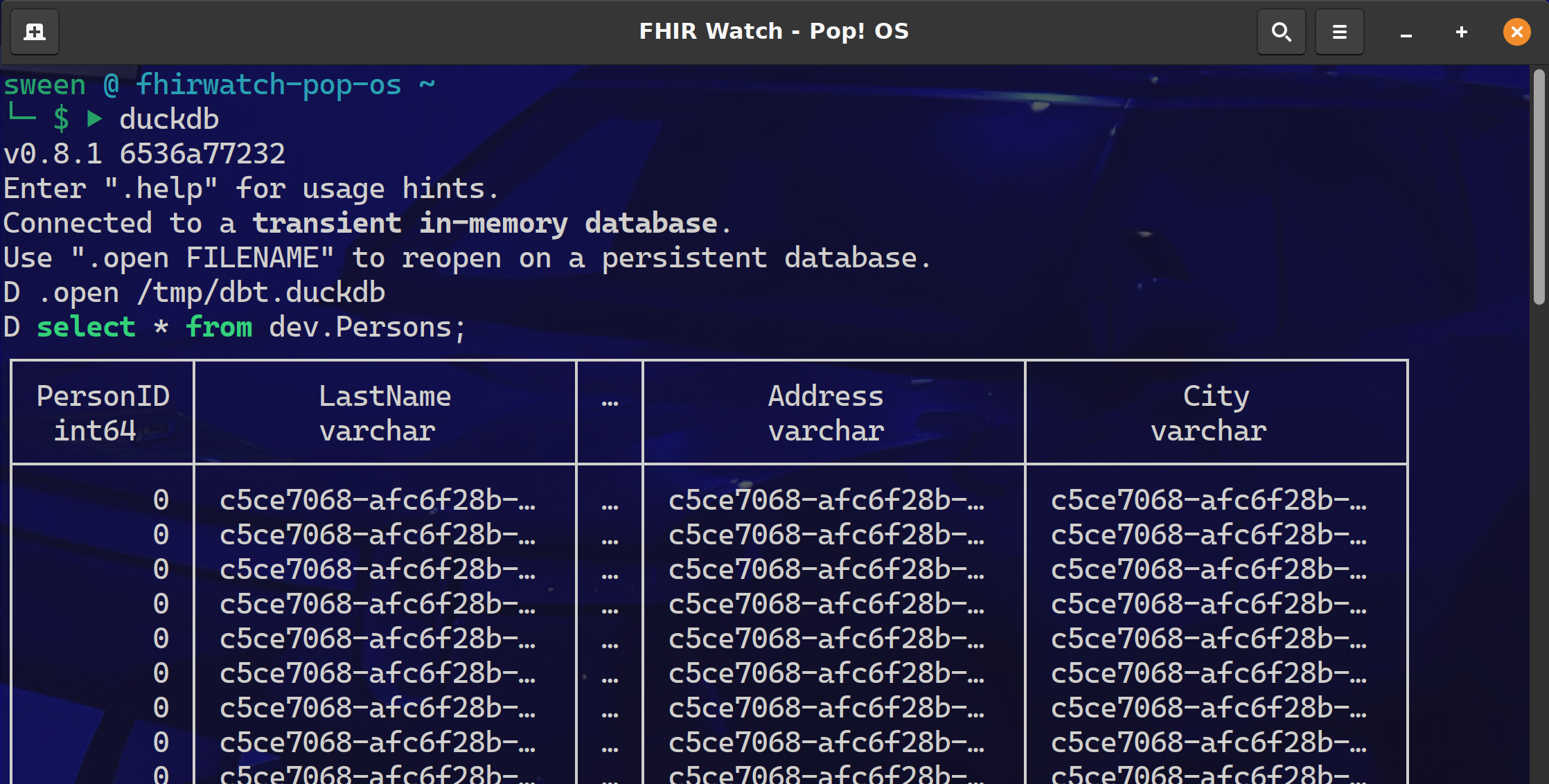
Why dbt?
dbt (Data Build Tool) allows you to:
- Share the Project: Beyond GitHub, it provides a standard way to share tribal knowledge.
- Lineage & Documentation: Keeps the documentation alongside the code.
- Testing: Brings the testing rigor of software engineering to data projects.
Resources
- Learn through Problems (dbt Discourse)
- dbt-duckdb Guide
- Python Models in dbt
- dbt-iris Native Adapter