 Brightstreet Group
.png)
IKO Plus: VIP in Kubernetes on IrisClusters
Power your IrisCluster serviceTemplate with kube-vip
If you’re running IRIS in a mirrored IrisCluster for HA in Kubernetes, the question of providing a Mirror VIP (Virtual IP) becomes relevant. Virtual IP offers a way for downstream systems to interact with IRIS using one IP address. Even when a failover happens, downstream systems can reconnect to the same IP address and continue working.
The lead-in above was stolen (gaffled, jacked, pilfered) from techniques shared to the community for VIPs across public clouds with IRIS by @Eduard Lebedyuk.
Related Articles: ☁ vip-aws | vip-gcp | vip-azure
This version strives to solve the same challenges for IRIS on Kubernetes when being deployed via MAAS, on-prem, and possibly yet to be realized using cloud mechanics with Managed Kubernetes Services.
The Distraction
This walkthrough will highlight kube-vip, where it fits into a Mirrored IrisCluster, and enabling “floating IP” for layers 2-4 with the serviceTemplate. I’ll walk through a quick install of the project, apply it to a Mirrored IrisCluster, and attest that failover against the floating VIP is timely and functional.
The IP
Snag an available IPv4 address off your network and set it aside for use as the VIP for the IrisCluster. For this distraction, we value the predictability of a single IP address to support the workload.
.png)
Kubernetes Cluster
The cluster itself is running Canonical Kubernetes on commodity hardware of 3 physical nodes on a flat 192.x network (home lab).
.png)
You’ll want to do this step through some slick hook to get work done on the node during scheduling for implementing the virtual interface/IP. Hopefully, your nodes will have some consistency with the NIC hardware, making node prep easy. However, my cluster had varying network interfaces, so I virtualized them by aliasing the active NIC to vip0 as an interface.
I ran the following on the nodes to add a virtual NIC to a physical interface and ensure it starts at boot:
vip0.sh
#!/usr/bin/env bash
set -e

PARENT_NIC="eno1" # adjust for your hardware
VIP_IP="192.168.1.152/32" # available address on our lan

sudo bash -c "cat > /etc/systemd/system/vip0.service <<'EOF'
[Unit]
Description=Virtual interface vip0 for kube-vip
After=network-online.target
Wants=network-online.target

[Service]
Type=oneshot
ExecStartPre=-/sbin/ip link delete vip0
ExecStart=/sbin/ip link add vip0 link ${PARENT_NIC} type macvlan mode bridge
ExecStart=/sbin/ip addr add ${VIP_IP} dev vip0
ExecStart=/sbin/ip link set vip0 up
RemainAfterExit=yes
ExecStop=/sbin/ip link set vip0 down
ExecStop=/sbin/ip link delete vip0

[Install]
WantedBy=multi-user.target
EOF"

sudo systemctl daemon-reload
sudo systemctl enable vip0 --now
sudo systemctl status vip0 --no-pager
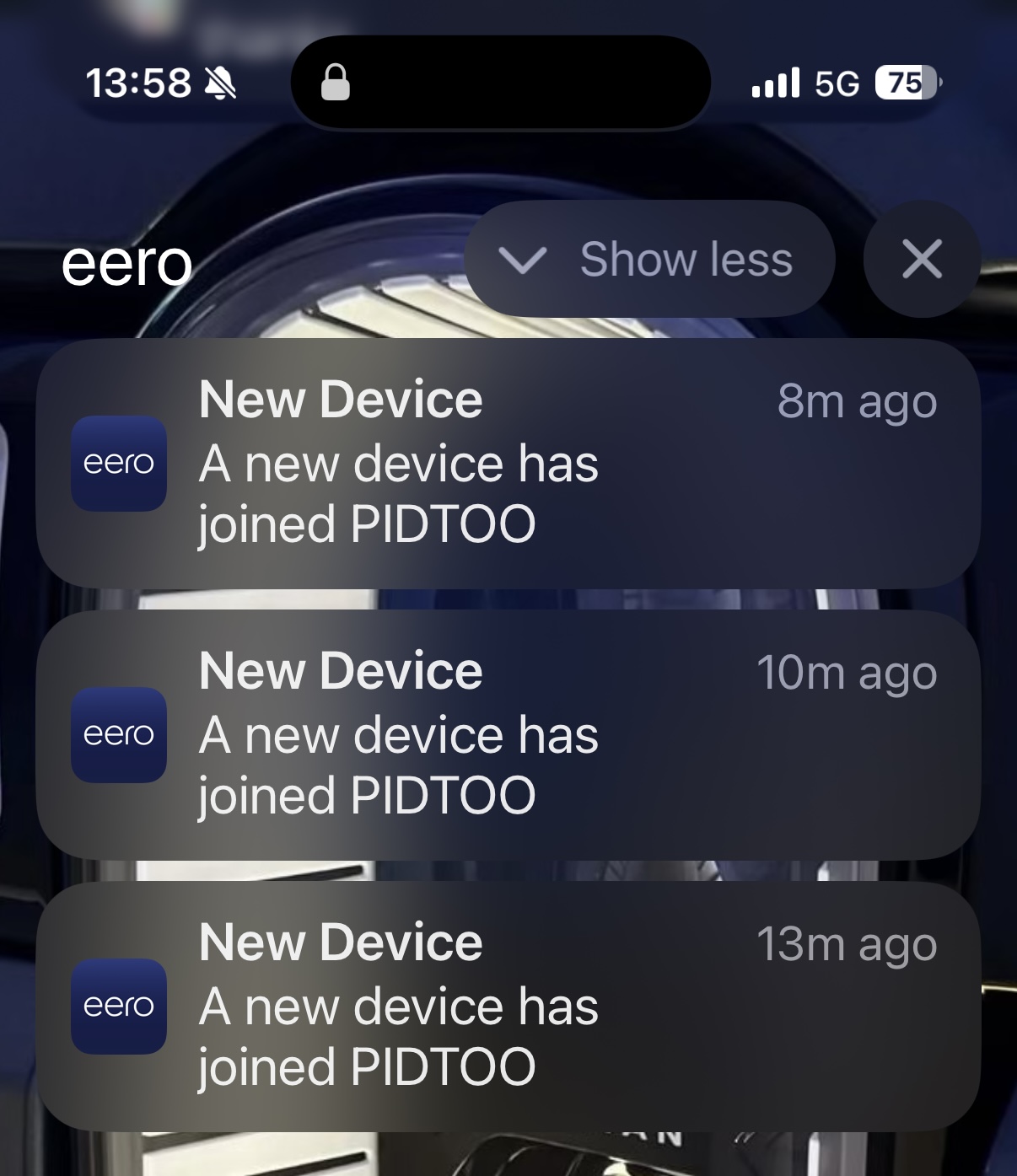
If your commodity network gear lets you know when something new has arrived on the network, you may get something like this:
What is kube-vip?
kube-vip provides a virtual IP (VIP) for Kubernetes workloads, giving them a stable, highly available network address that automatically fails over between nodes—enabling load balancer–like or control plane–style redundancy without an external balancer.
On each node, kube-vip runs as a container (via a DaemonSet) that participates in a leader-election process using Kubernetes Lease objects. The elected leader binds the VIP directly to a host network interface and advertises it to the surrounding network via ARP.
Installation
The install is dead simple. We will deploy the manifests that support its install as specified on the project’s getting started guide.
kube-vip.yaml
apiVersion: v1
kind: ServiceAccount
metadata:
  name: kube-vip
  namespace: kube-system
---
apiVersion: rbac.authorization.k8s.io/v1
kind: ClusterRole
metadata:
  name: kube-vip
rules:
  - apiGroups: [""]
    resources: ["services","services/status","endpoints","nodes","pods","configmaps"]
    verbs: ["get","list","watch","update","patch","create"]
  - apiGroups: ["coordination.k8s.io"]
    resources: ["leases"]
    verbs: ["get","list","watch","create","update","patch"]
  - apiGroups: ["discovery.k8s.io"]
    resources: ["endpointslices"]
    verbs: ["get","list","watch"]
---
apiVersion: rbac.authorization.k8s.io/v1
kind: ClusterRoleBinding
metadata:
  name: kube-vip
roleRef:
  apiGroup: rbac.authorization.k8s.io
  kind: ClusterRole
  name: kube-vip
subjects:
  - kind: ServiceAccount
    name: kube-vip
    namespace: kube-system
---
apiVersion: apps/v1
kind: DaemonSet
metadata:
  name: kube-vip
  namespace: kube-system
spec:
  selector:
    matchLabels:
      app: kube-vip
  template:
    metadata:
      labels:
        app: kube-vip
    spec:
      serviceAccountName: kube-vip
      hostNetwork: true
      tolerations:
        - operator: "Exists"
      containers:
        - name: kube-vip
          image: ghcr.io/kube-vip/kube-vip:v0.8.0
          args: ["manager"]
          securityContext:
            capabilities:
              add: ["NET_ADMIN","NET_RAW"]
          env:
            - name: vip_interface
              value: "vip0" # Your virtual interface
            - name: vip_cidr
              value: "32"
            - name: vip_arp
              value: "true"
            - name: bgp_enable
              value: "false"
            - name: lb_enable
              value: "true"
            - name: svc_enable
              value: "true"
            - name: cp_enable
              value: "false"
Apply it and check the pods:
.png)
IrisCluster Configuration
We’ll use a standard mirrored IrisCluster with a mirrorMap of primary,backup.
IrisCluster.yaml (abbreviated)
apiVersion: intersystems.com/v1alpha1
kind: IrisCluster
metadata:
  name: ikoplus-kubevip
  namespace: ikoplus
spec:
  imagePullSecrets:
    - name: containers-pull-secret
  licenseKeySecret:
    name: license-key-secret
  topology:
    arbiter:
      image: containers.intersystems.com/intersystems/arbiter:2025.1
    data:
      compatibilityVersion: 2025.1.0
      image: containers.intersystems.com/intersystems/irishealth:2025.1
      mirrorMap: primary,backup
      mirrored: true
  serviceTemplate:
    spec:
      type: LoadBalancer
      externalTrafficPolicy: Local
Apply it:
kubectl apply -f IrisCluster.yaml -n ikoplus.png)
Annotate the Service
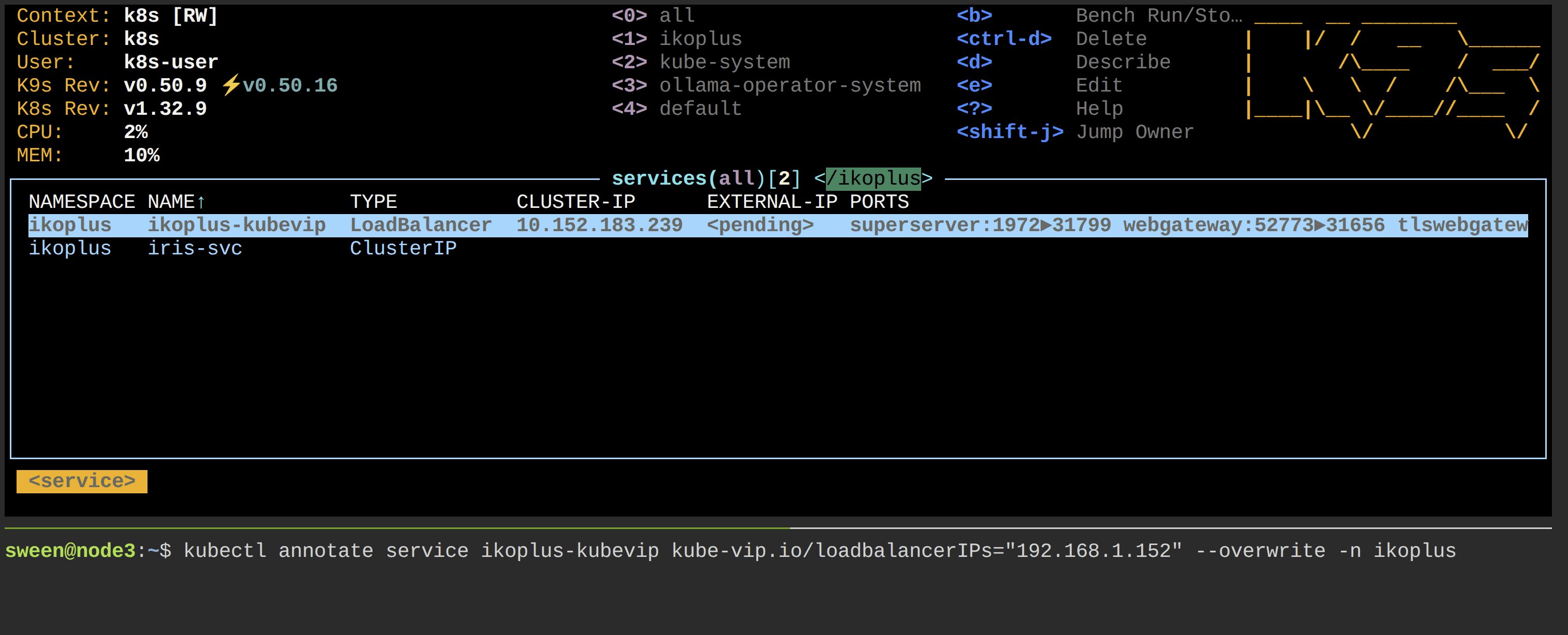
This binds the Virtual IP to the Service and triggers kube-vip:
kubectl annotate service ikoplus-kubevip-data kube-vip.io/loadbalancerIPs="192.168.1.152" --overwrite -n ikoplusAttestation & Failover
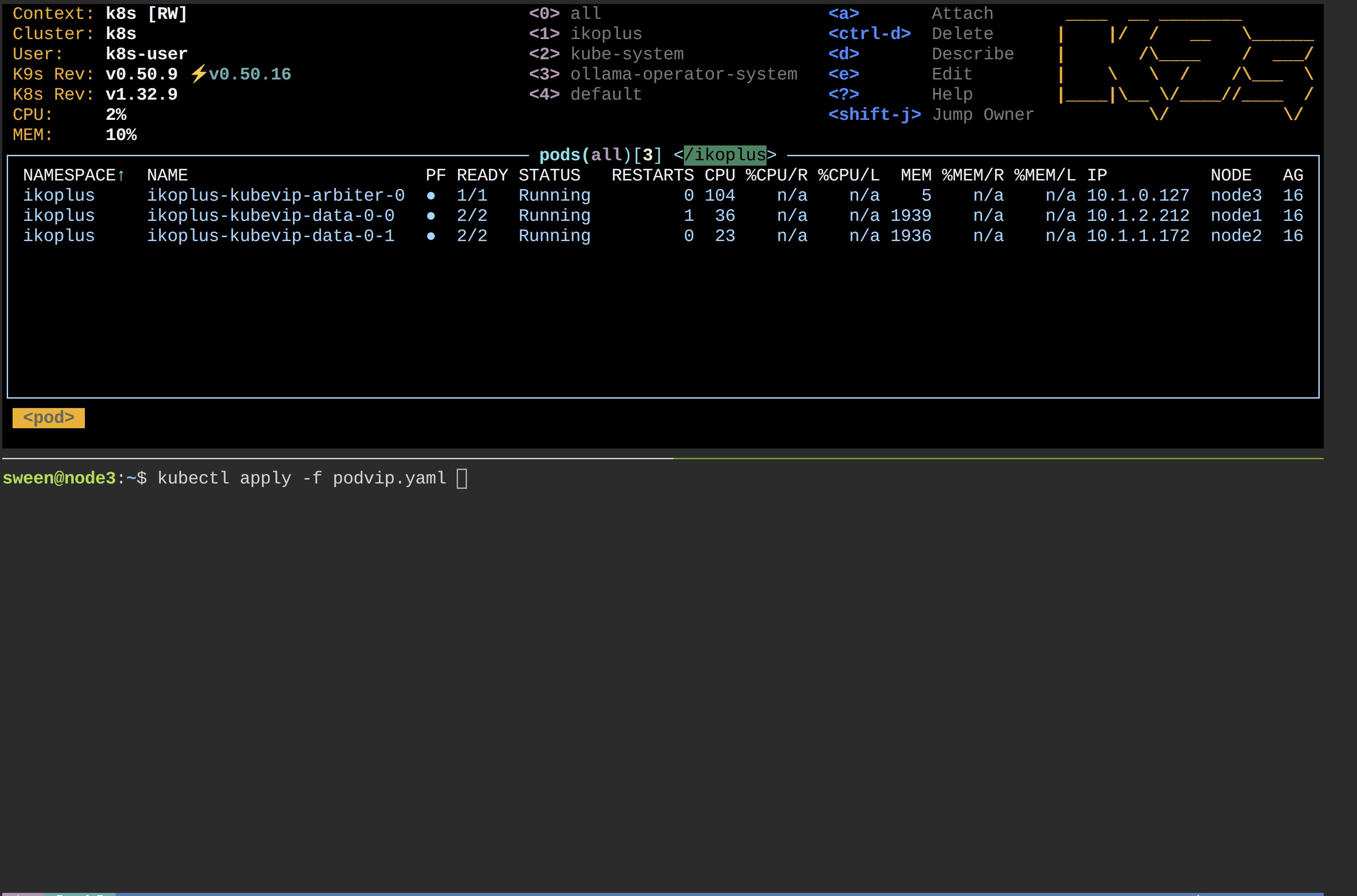
To test, let’s launch a pod that continually polls the SMP URL using the VIP:
podviptest.yaml
apiVersion: v1
kind: Pod
metadata:
  name: podvip
  namespace: ikoplus
spec:
  restartPolicy: Always
  containers:
    - name: curl-loop
      image: curlimages/curl:8.10.1
      command:
        - /bin/sh
        - -c
        - |
          echo "Polling https://192.168.1.152:52774/csp/sys/UtilHome.csp ..."
          while true; do
            status=$(curl -sk -o /dev/null -w "%{http_code}" https://192.168.1.152:52774/csp/sys/UtilHome.csp)
            echo "$(date -u) HTTP $status"
            sleep 5
          done
1. Initial State (Primary on Node A)

2. Failover Trigger
We send one of the mirror members “casters up” and watch the VIP take over on the alternate node.
3. Re-Attestation
The VIP has successfully floated to the new primary node.

The curl loop continues with minimal disruption!
🎉
Related Reading: