 Brightstreet Group
GitOps with the InterSystems Kubernetes Operator
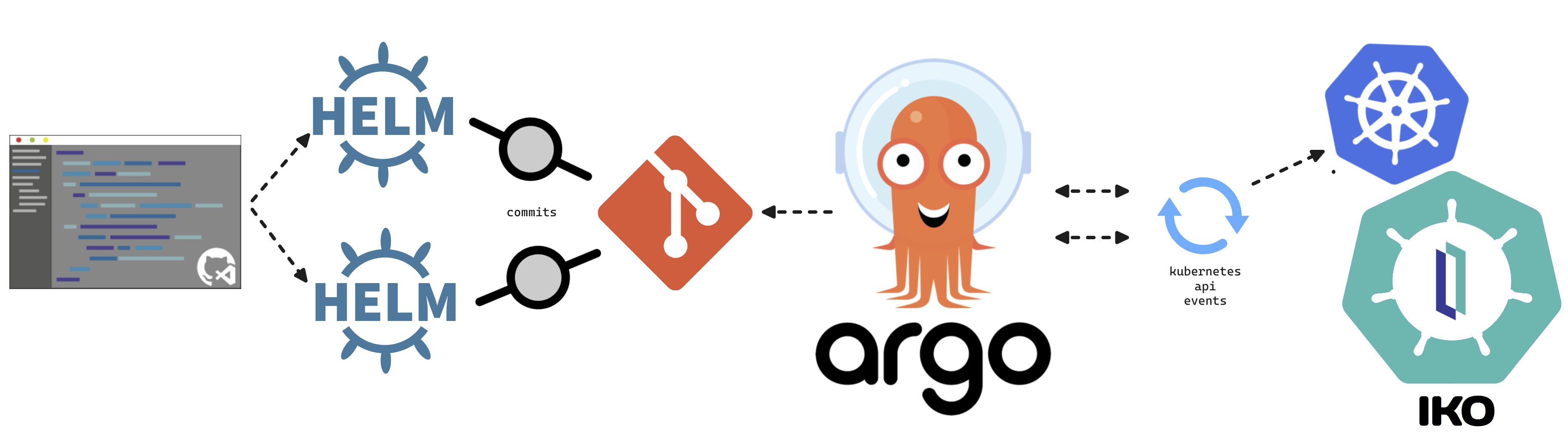
This article will cover turning over control of provisioning the InterSystems Kubernetes Operator (IKO), and starting your journey managing your own “Cloud” of InterSystems Solutions through GitOps practices. This deployment pattern is also the fulfillment path for the PID^TOO|| FHIR Breathing Identity Resolution Engine.
GitOps
GitOps is an alternative deployment paradigm where the Kubernetes Cluster itself “pulls” updates from manifests residing in source control to manage the state of your solutions. Git becomes the single source of truth for your infrastructure.
Prerequisites
- Kubernetes Cluster: Tested on EKS, GKE, and MicroK8s.
- Git Repository: GitLab, GitHub, or any repo accessible by your cluster.
Argo CD
The star of the show is Argo CD, which provides a declarative approach to continuous delivery with a fantastic UI.
Installation
kubectl create namespace argocd
kubectl apply -n argocd -f https://raw.githubusercontent.com/argoproj/argo-cd/stable/manifests/install.yaml
Accessing the UI
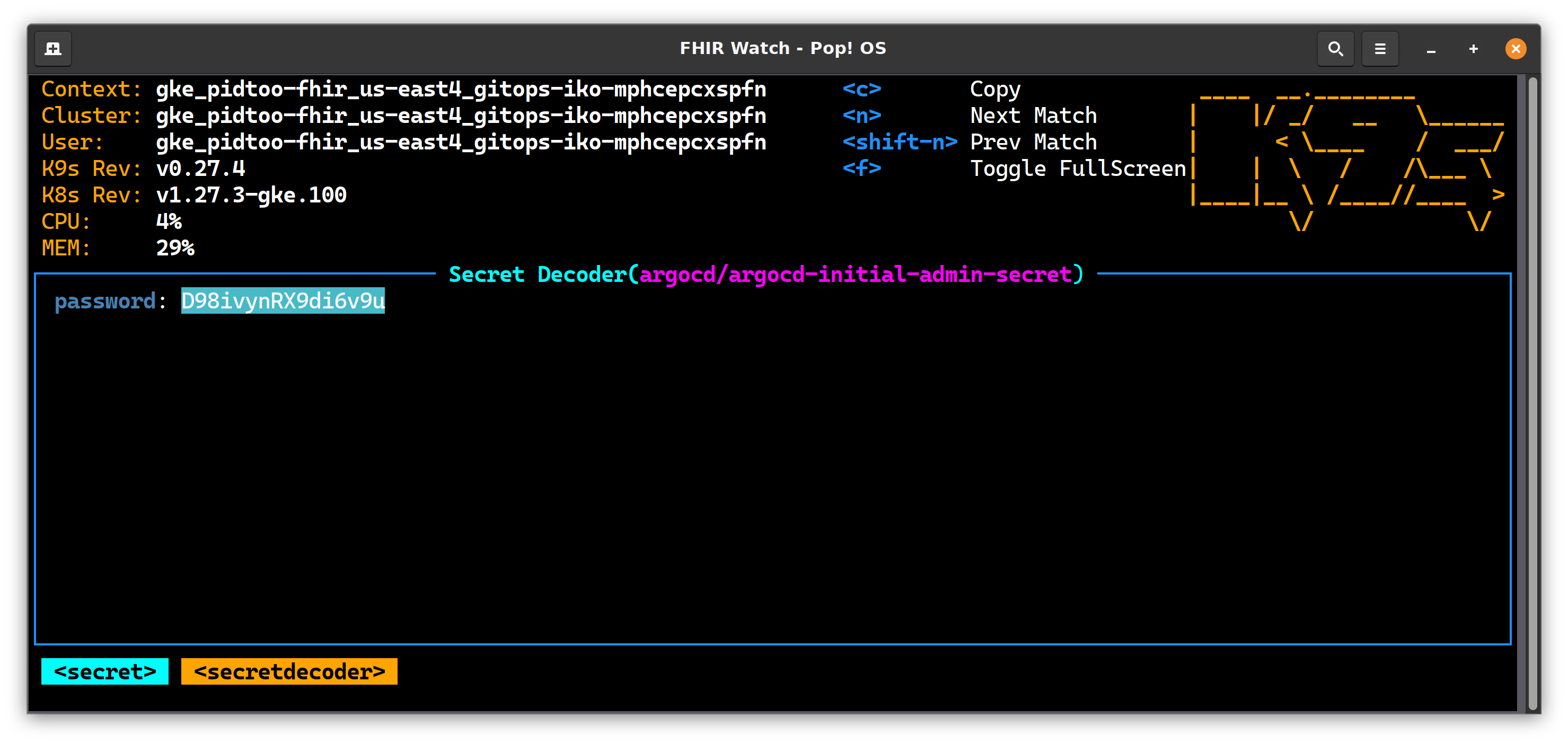
- Grab Secret: Decrypt the initial admin password.
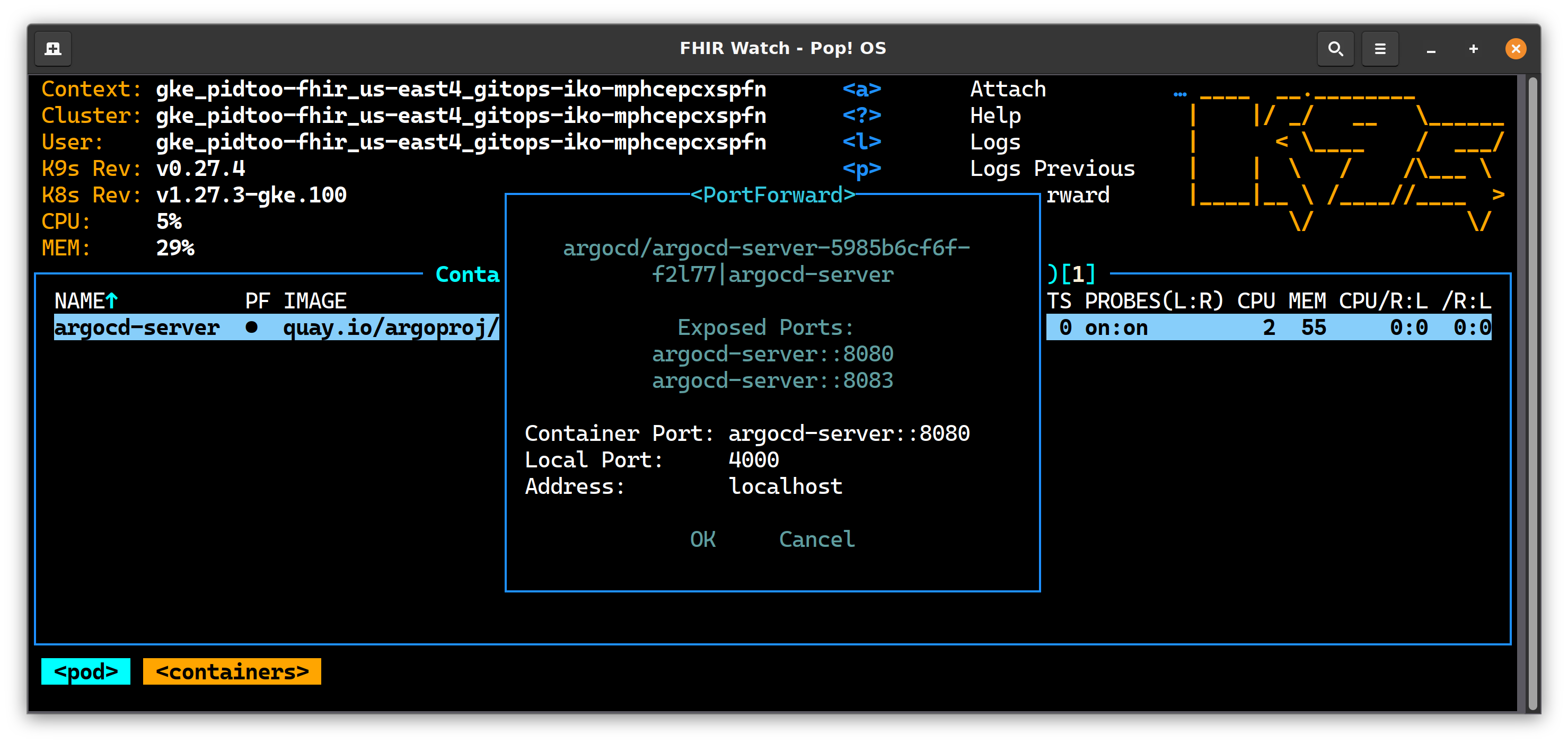
- Port Forward: Redirect port 4000 to your local host.
- Login: Navigate to
https://localhost:4000and supply the credentials.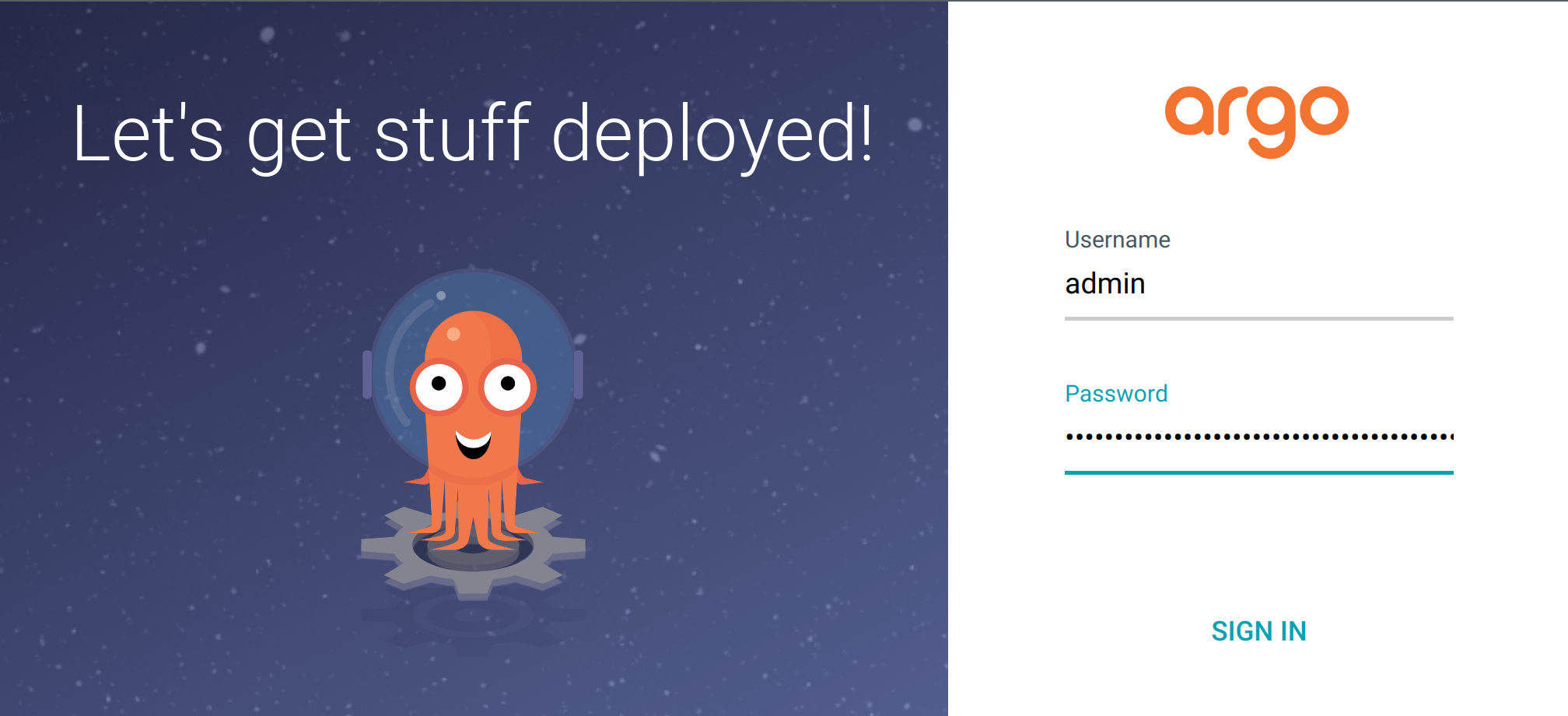
InterSystems Kubernetes Operator (IKO)
Refer to the official documentation for obtaining the IKO Helm chart. Once obtained, check it into your git repo.
Repository Structure
Unpack the IKO Helm chart into a directory (e.g., iko/iris_operator_amd-3.5.48.100):
├── iko
│   ├── AIKO.pdf
│   └── iris_operator_amd-3.5.48.100
│       ├── chart
│       │   └── iris-operator
│       │       ├── Chart.yaml
│       │       ├── templates
│       │       │   ├── apiregistration.yaml
│       │       │   └── ...
│       │       └── values.yaml
IKO Setup
Create the isc namespace and add the pull secret for containers.intersystems.com:
kubectl create ns isc
kubectl create secret docker-registry pidtoo-pull-secret \
  --namespace isc \
  --docker-server=https://containers.intersystems.com \
  --docker-username='your-username' \
  --docker-password='your-password'
Connect Git to Argo CD
In the Argo CD UI, connect your repository. This step makes the manifests available to the cluster.

Declare Branch to Argo CD
We use the “App of Apps” paradigm to manage our applications. Create the following folder structure in your repo:
├── argocd
│   ├── app-of-apps
│   │   ├── charts
│   │   │   └── iris-cluster-collection
│   │   │       ├── Chart.yaml
│   │   │       ├── templates
│   │   │       │   └── iris-operator-application.yaml
│   │   │       └── values.yaml
│   │   └── cluster-seeds
│   │       └── seed.yaml
IKO Application Template (iris-operator-application.yaml)
apiVersion: argoproj.io/v1alpha1
kind: Application
metadata:
  name: iko
  namespace: argocd
spec:
  destination:
    namespace: isc
    server: https://kubernetes.default.svc
  project: default
  source:
    path: iko/iris_operator_amd-3.5.48.100/chart/iris-operator
    repoURL: {{ .Values.repoURL }}
    targetRevision: {{ .Values.targetRevision }}
  syncPolicy:
    automated: {}
    syncOptions:
      - CreateNamespace=true
Cluster Seed (seed.yaml)
apiVersion: argoproj.io/v1alpha1
kind: Application
metadata:
  name: gitops-iko-seed
  namespace: argocd
  labels:
    isAppOfApps: 'true'
spec:
  destination:
    namespace: isc
    server: https://kubernetes.default.svc
  project: default
  source:
    path: argocd/app-of-apps/charts/iris-cluster-collection
    repoURL: https://github.com/pidtoo/gitops_iko.git
    targetRevision: main
  syncPolicy:
    automated: {}
    syncOptions:
      - CreateNamespace=true
Seed the Cluster!
This is the final step. Apply the seed manifest to your cluster:
kubectl apply -n argocd -f argocd/app-of-apps/cluster-seeds/seed.yaml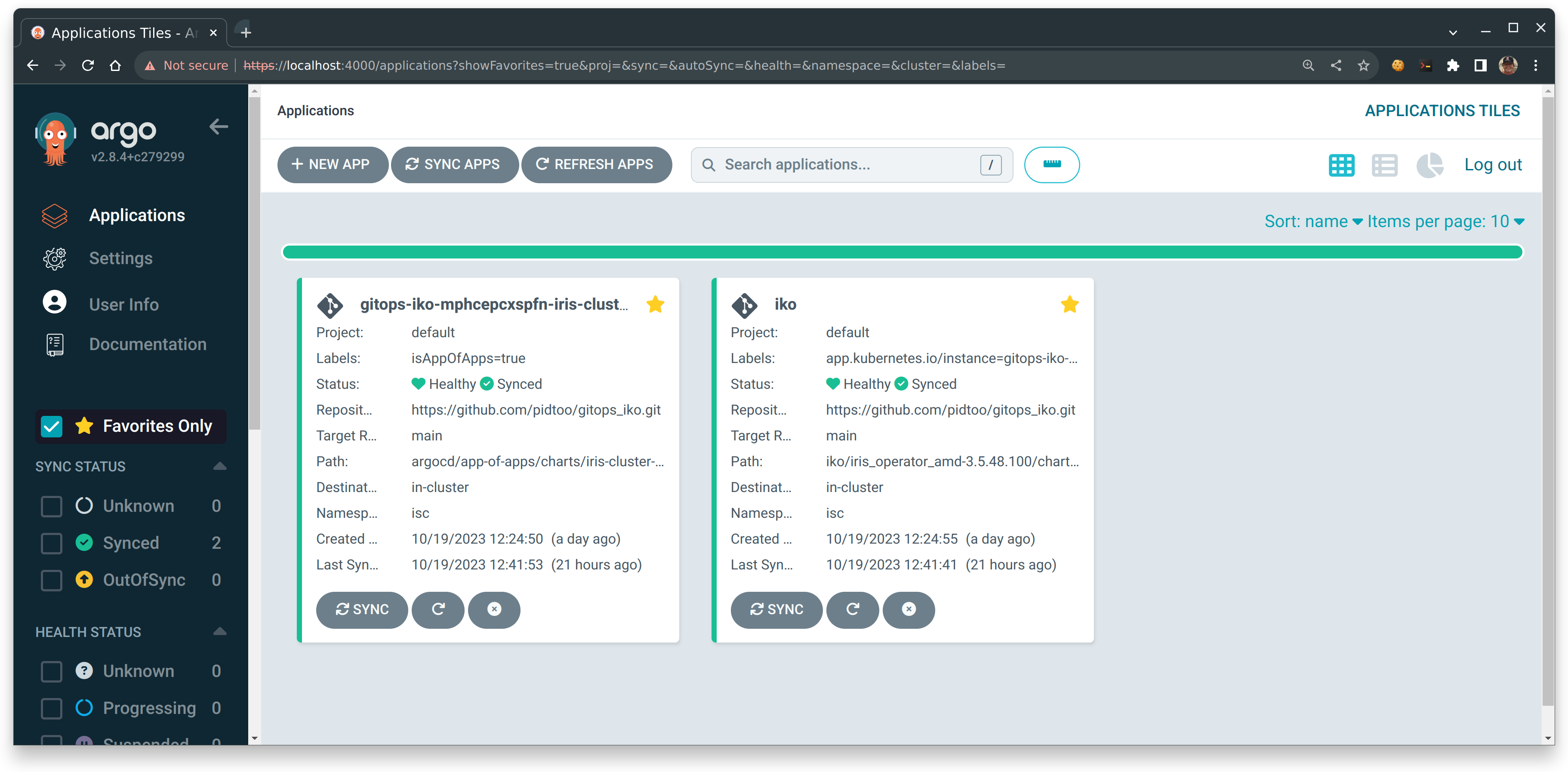
Immediately, you should see Argo CD applications coming to life.
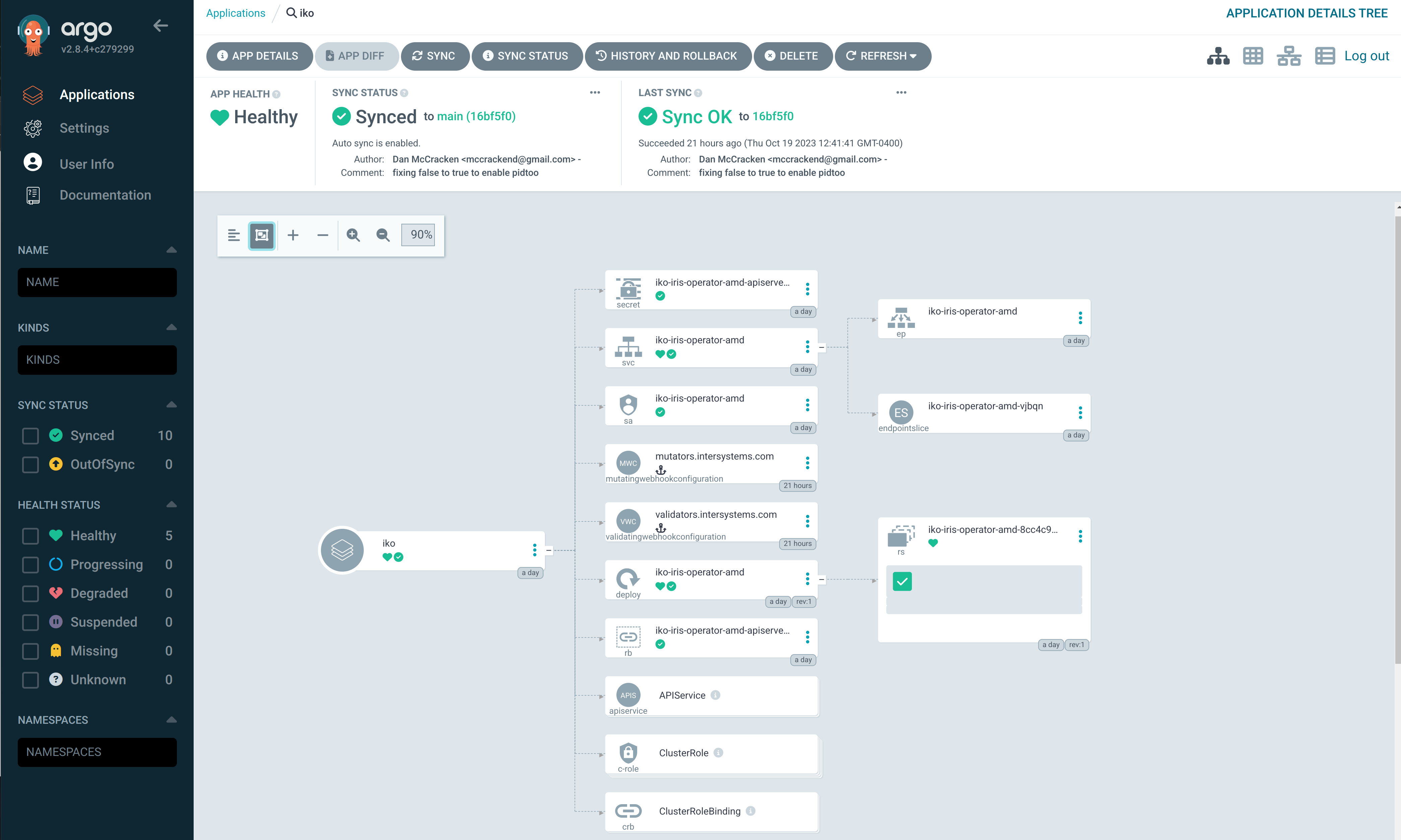
IKO Operator View
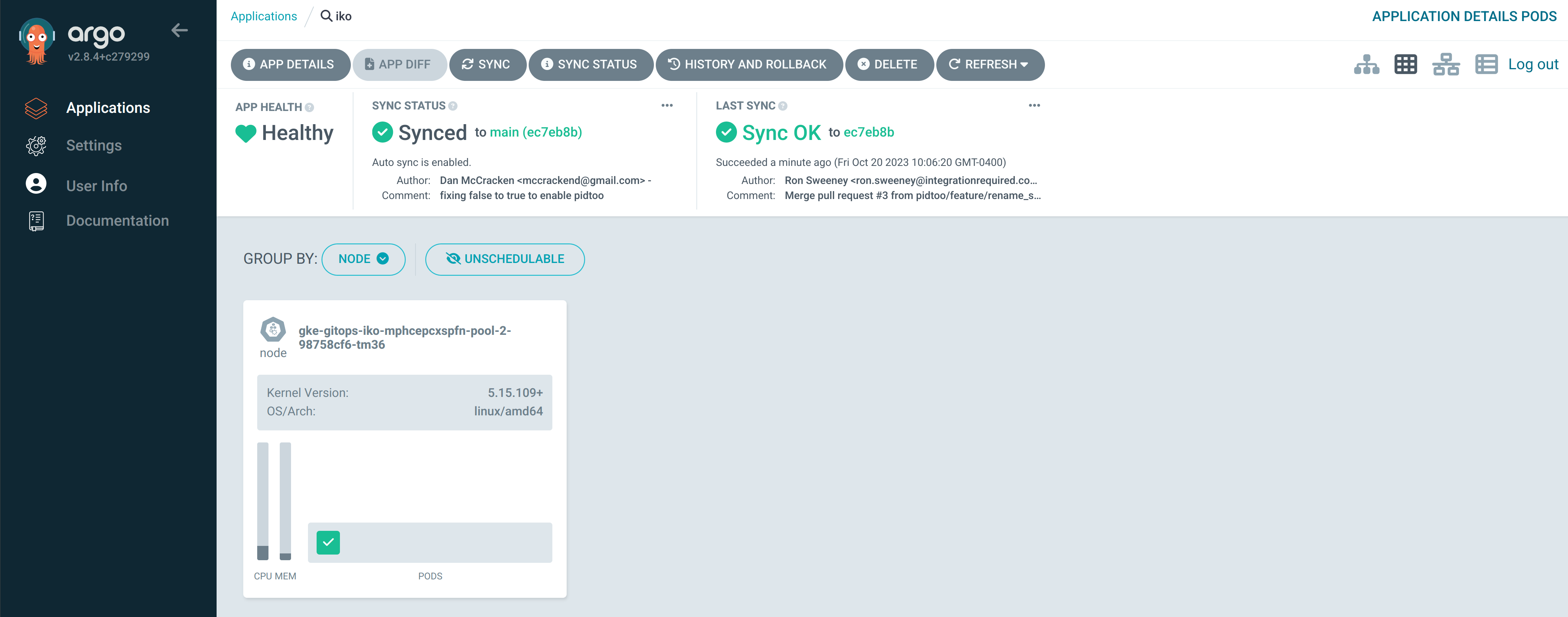
Welcome to GitOps with the InterSystems Kubernetes Operator!
🎥 Watch the Live Demo: Git Demos are the Best! - October 19, 2023
Authors:
- Ron Sweeney, Principal Architect @ Integration Required / PID^TOO||
- Dan McCracken, COO @ Devsoperative, INC
💡 This article is considered an InterSystems Data Platform Best Practice.